

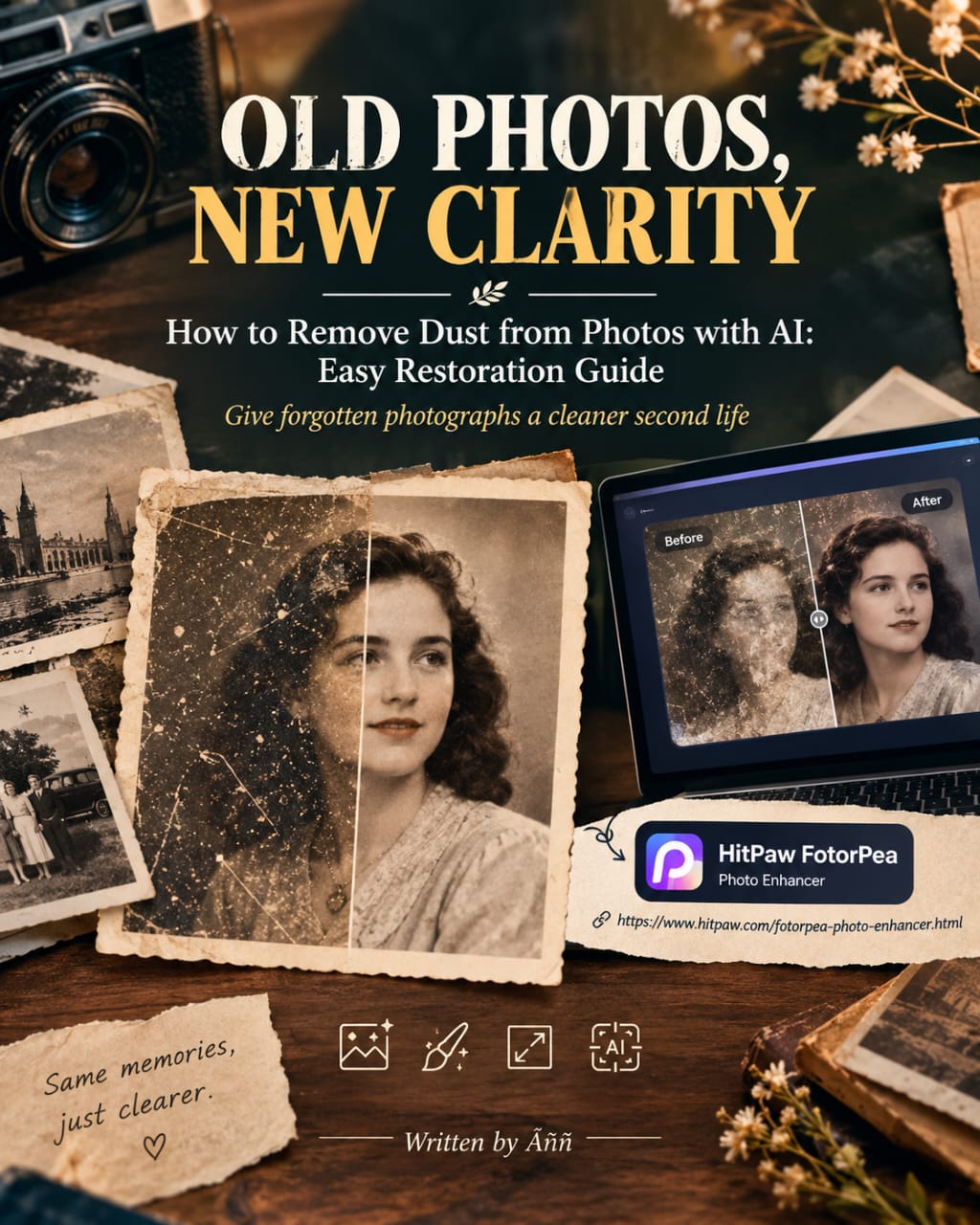
OLD PHOTOS, NEW CLARITY
Learn how to remove dust from photos with AI and restore old pictures by reducing dust, scratches, fading, and unwanted marks.
Curator’s Note: Old photographs rarely age gracefully. Dust settles into corners, scratches cross familiar faces, while faded colours slowly change the mood of a memory. Looks at how AI photo restoration can help clean those small imperfections without turning a treasured photograph into something unrecognizable. The focus stays on preservation, practical editing, and keeping the personality of the original image intact.
There is something strangely emotional about opening an old photo album.
You find a face you almost forgot. A childhood room appears in the background. Someone is smiling at the camera, completely unaware that decades later, you would still be looking at that moment.
Then you notice the dust. Tiny white marks cover the sky. A scratch runs across someone’s sleeve. Dark spots sit beside a familiar face. Suddenly, the photograph needs attention before you can fully enjoy it.
That is where how to remove dust from photos with AI becomes useful.
When Dust Becomes Part of the Picture
Old photographs collect imperfections naturally. They spend years inside albums, drawers, boxes, or frames. Handling them adds fingerprints and scratches. Humidity can affect paper. Even careful storage cannot stop aging completely.
Manual restoration can repair many of these problems. However, removing dozens of tiny marks takes time. One small photograph can become an unexpectedly long editing project.
Giving Old Memories Another Look
AI photo restoration changes that process.
Instead of correcting every mark individually, an AI-powered enhancer can examine the photograph and help improve damaged areas. HitPaw FotorPea, for example, offers photo enhancement features that can help clean visual imperfections while improving clarity and detail.
The important part is restraint.
A restored photograph should still feel like the photograph you remember. Too much enhancement can remove texture, alter faces, or make an old image look unnaturally smooth.
For that reason, keep the original file untouched. Compare versions during editing. If possible, work from the clearest scan available.
Photo restoration is not really about making an old picture perfect. It is about making the memory easier to see.
For a practical walkthrough, read Pen & Page’s “How to Remove Dust from Photos with AI: Easy Restoration Guide” on Medium.
Read “How to Remove Dust from Photos with AI: Easy Restoration Guide“ by Pen & Page on Medium: https://medium.com/illumination/how-to-remove-dust-from-photos-with-ai-easy-restoration-guide-ba2bf82aeb1f
For more stories and practical guides, visit Pen & Page on Digital Mehmet.


Leave a Reply